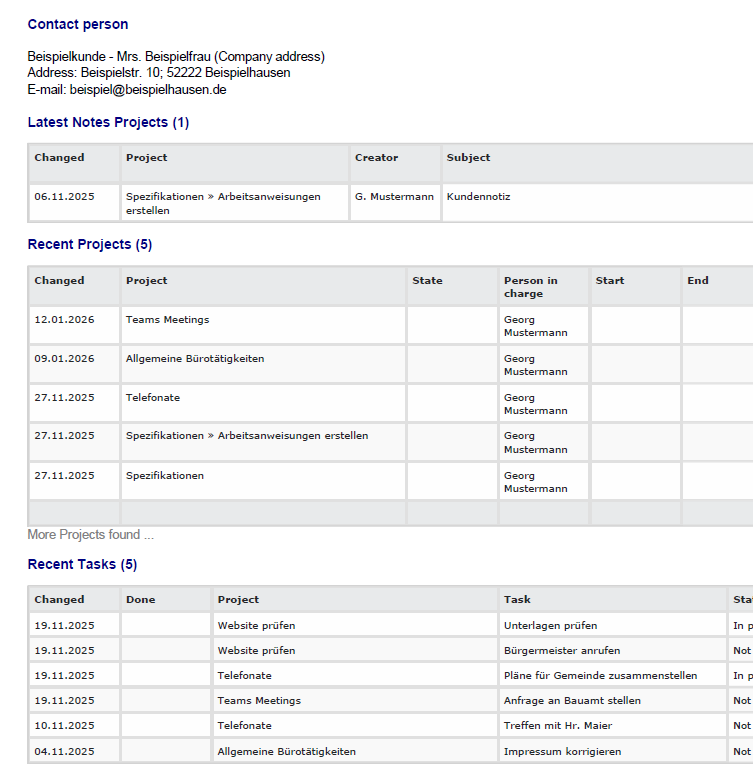
The "Overview" tab is available in customer management. There you can display the latest actions relating to your customer on an overview page.
|
Note |
|---|---|
You can display the following information in the "Overview" tab:
➢ Address ➢ Customer relationship ➢ Additional fields ➢ Latest notes on the customer ➢ The latest projects, tasks, quotes, and invoices ➢ Open projects, tasks, quotes, and invoices |
|

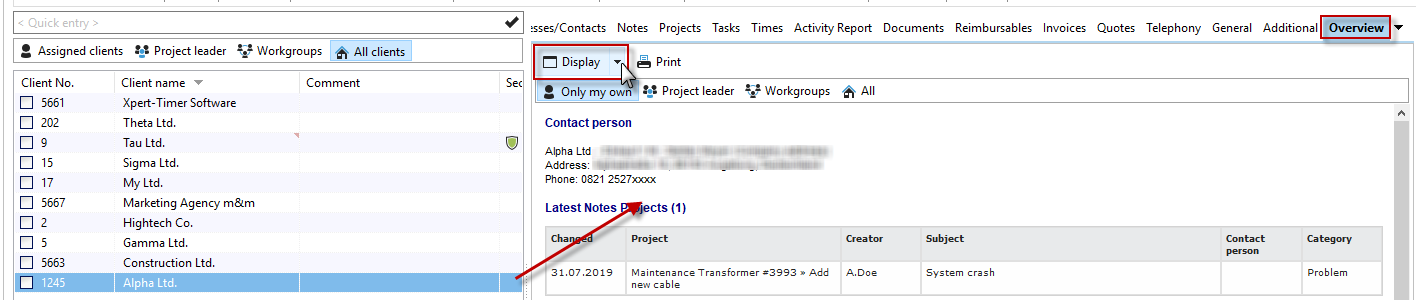
Use the "Display" menu item to select which areas you want to show.

This gives you a nice overview page of all actions related to your customer.
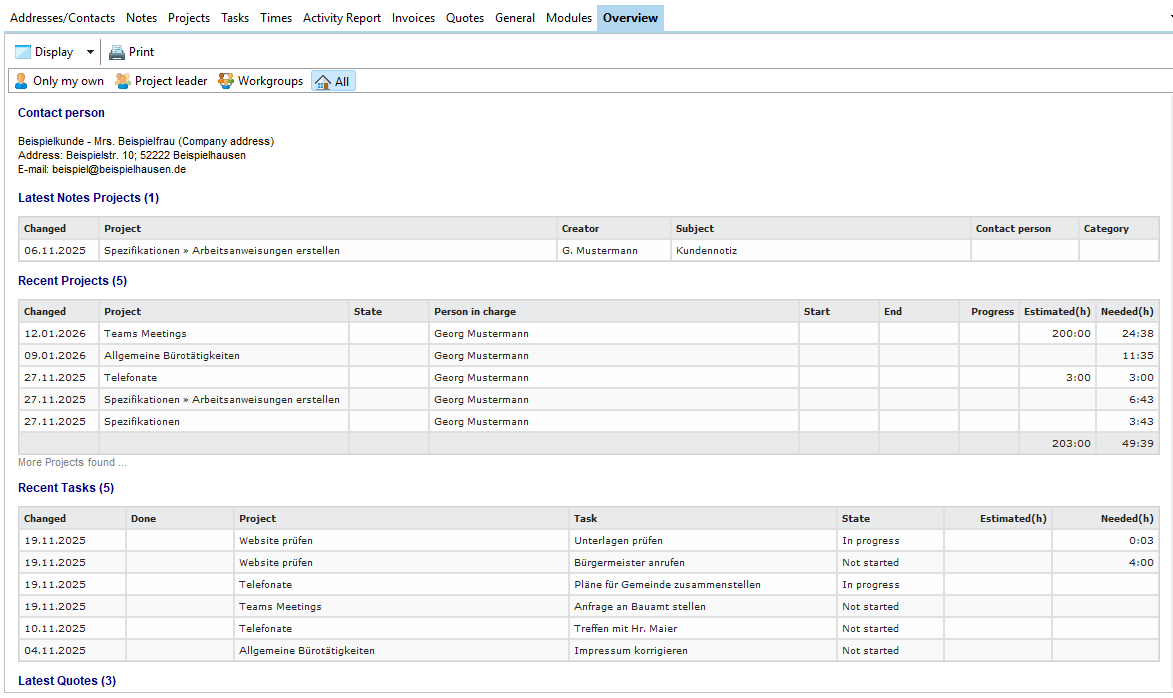
Last but not least, you can also print this view.